What is a Client Portal?
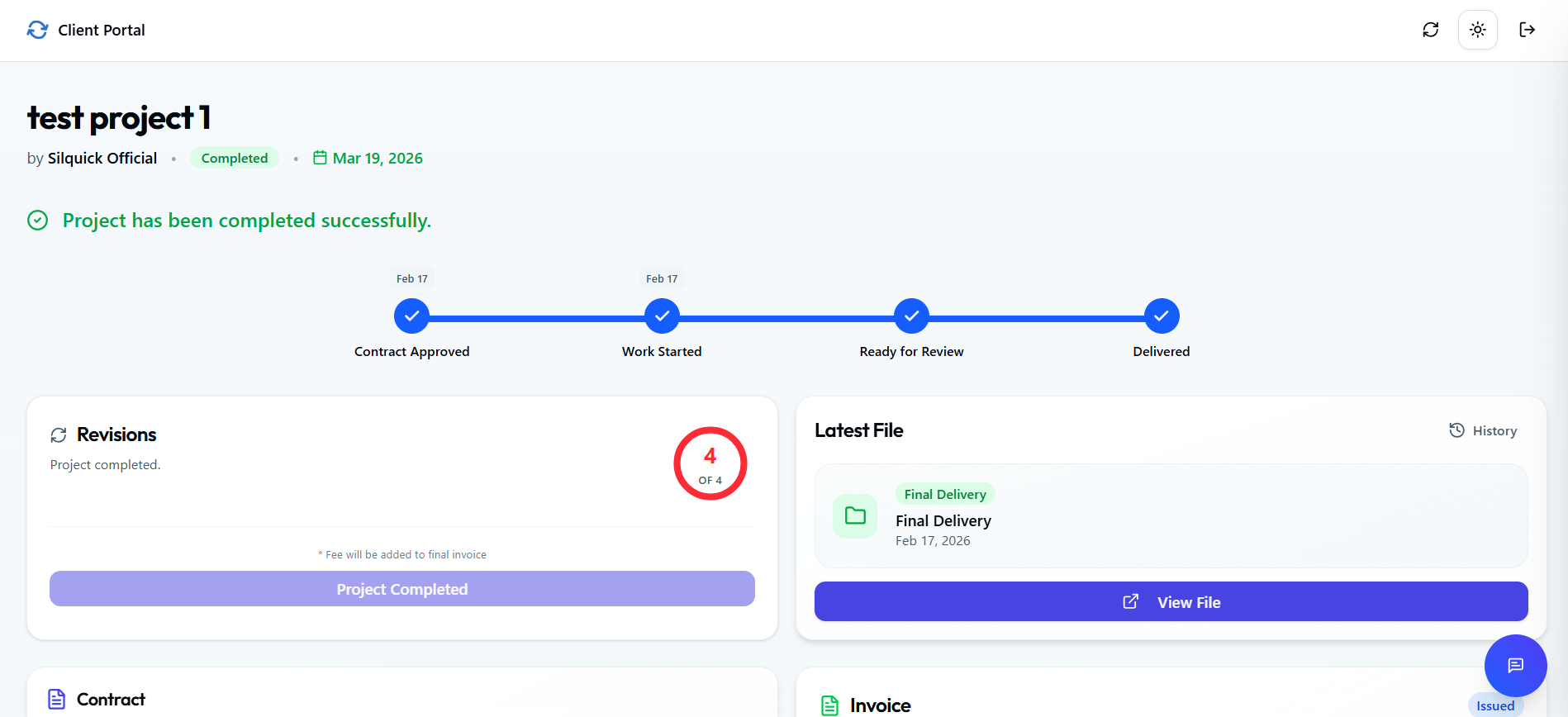
A client portal is a secure, dedicated website where your clients can log in (or access via a secure link) to view project details, download files, and communicate with you. For freelancers, it replaces the chaotic back-and-forth of email threads with a single, professional "home base" for the project.
Do you need a portal?
Yes, if you...
- Send more than 5 emails per week per client.
- Have clients who constantly lose files.
- Want to look like a high-end agency.
✕ No, if you...
- Only do 1-hour micro-tasks (Fiverr style).
- Have zero client interaction.
Google Drive vs. Silquick
Organization
Drive: Just files. Silquick: Files + Status + Contracts + Invoices.
Updates
Drive: You must email 'I uploaded it'. Silquick: Auto-notifications.
Branding
Drive: Google's logo. Silquick: Your professional dashboard.
Frequently Asked Questions
Everything you need to know about Silquick.